 SKILL #SIGN
Creative
responsive-design
Create layouts that adapt to any screen
Implement modern responsive layouts using container queries, fluid typography, CSS Grid, and mobile-first breakpoint strategies. Use when building adaptive interfaces, implementing fluid layouts, or creating component-level responsive behavior.
the manual
Responsive Design
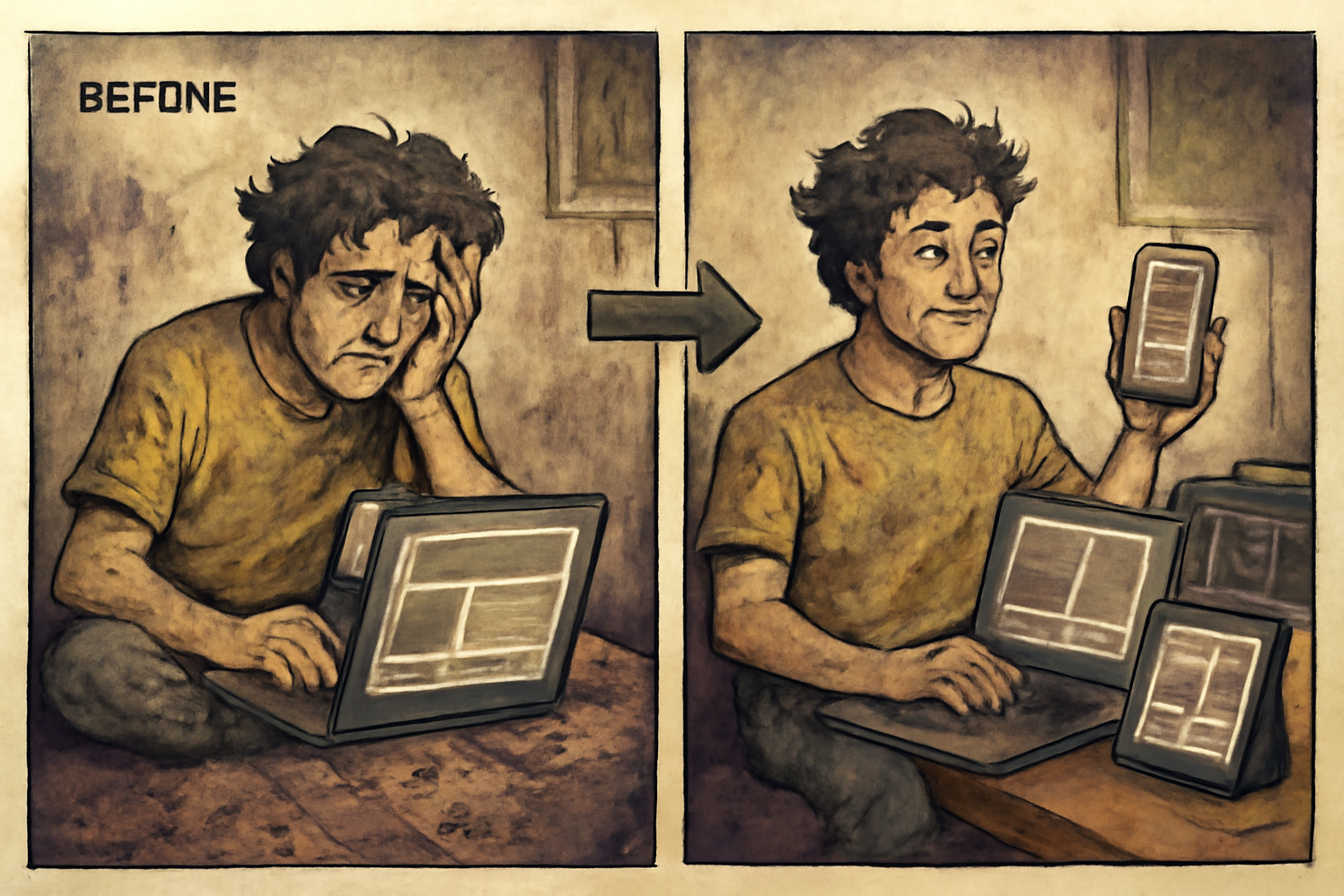
Master modern responsive design techniques to create interfaces that adapt seamlessly across all screen sizes and device contexts.
When to Use This Skill
- Implementing mobile-first responsive layouts
- Using container queries for component-based responsiveness
- Creating fluid typography and spacing scales
- Building complex layouts with CSS Grid and Flexbox
- Designing breakpoint strategies for design systems
- Implementing responsive images and media
- Creating adaptive navigation patterns
- Building responsive tables and data displays
Detailed patterns and worked examples
Detailed pattern documentation lives in references/details.md. Read that file when the navigation tier above is insufficient.
Best Practices
- Mobile-First: Start with mobile styles, enhance for larger screens
- Content Breakpoints: Set breakpoints based on content, not devices
- Fluid Over Fixed: Use fluid values for typography and spacing
- Container Queries: Use for component-level responsiveness
- Test Real Devices: Simulators don't catch all issues
- Performance: Optimize images, lazy load off-screen content
- Touch Targets: Maintain 44x44px minimum on mobile
- Logical Properties: Use inline/block for internationalization
Common Issues
- Horizontal Overflow: Content breaking out of viewport
- Fixed Widths: Using px instead of relative units
- Viewport Height: 100vh issues on mobile browsers
- Font Size: Text too small on mobile
- Touch Targets: Buttons too small to tap accurately
- Aspect Ratio: Images squishing or stretching
- Z-Index Stacking: Overlays breaking on different screens